◈ SaltCrate Get it — $29

Notion template · for freelance designers

Your entire freelance design business, in one Notion workspace.

Clients, projects, invoices and client onboarding — already wired together. Built for brand and graphic designers, not generalists: every field matches how design work actually moves, from discovery to handoff to getting paid.

$29 one payment · lifetime · duplicate into your own Notion in one click

Free Notion account is all you need. No subscription, no add-ons, no app to install. 7-day refund if it isn't right for you.

Just need the invoicing half? The free Notion invoice template is two databases and costs nothing.

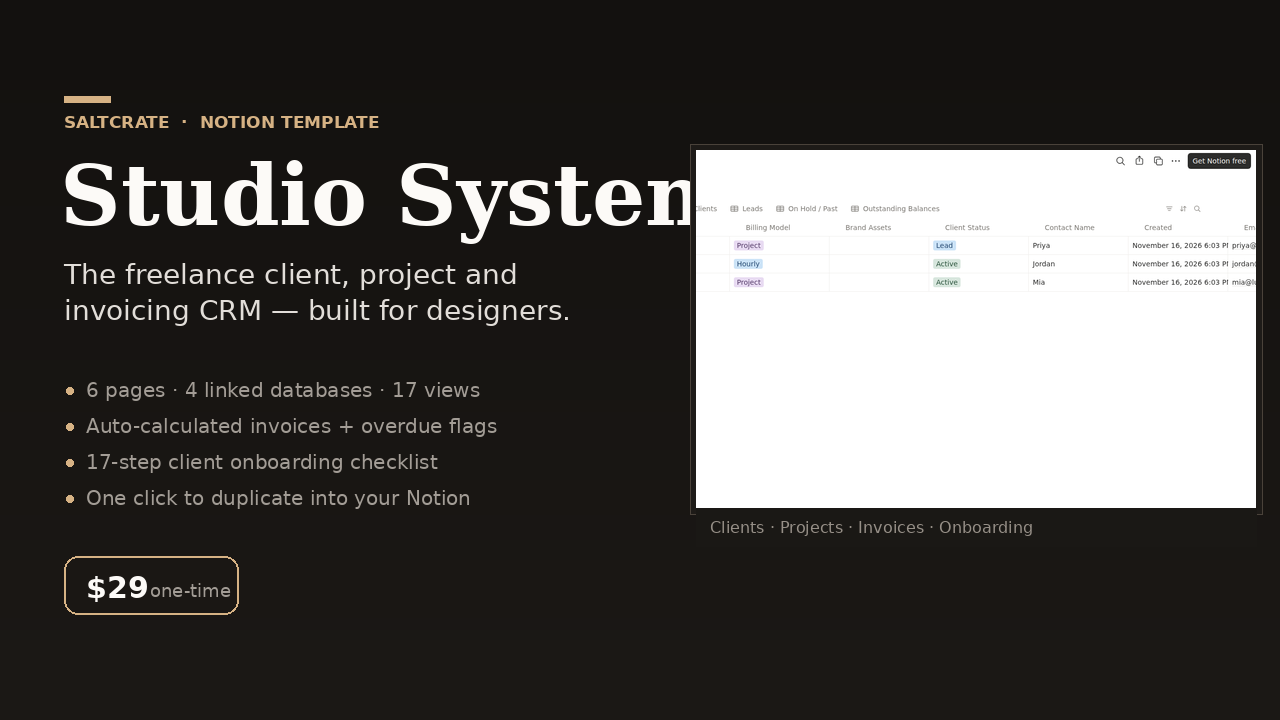
Studio System Notion template cover: six pages, four linked databases, seventeen views, auto-calculated invoices with overdue flags
4linked databases
17pre-built views
15 minto set up
1duplicate click

The problem

You are not losing clients. You are losing track.

Five files, two spreadsheets, a notes app and an invoice folder. Nothing is wrong with your design work — but the admin is scattered, so an invoice goes out late, a deposit never gets chased, and the onboarding steps you promised get improvised every time.

01

Invoices live in a folder

Totals get retyped, tax gets forgotten, and overdue only becomes obvious when you open the folder and count dates by hand.

02

Projects live in your head

Which of the three active jobs is waiting on client feedback, which is on revision two, which is at handoff — no single place says it.

03

Onboarding is improvised

Contracts, deposit, brand assets, kickoff — the same seventeen steps, re-remembered from scratch for every new client.

What's inside

Four databases, already related to each other.

Add a client once. Their projects, invoices and onboarding checklist are already linked to them — so totals roll up automatically instead of being retyped.

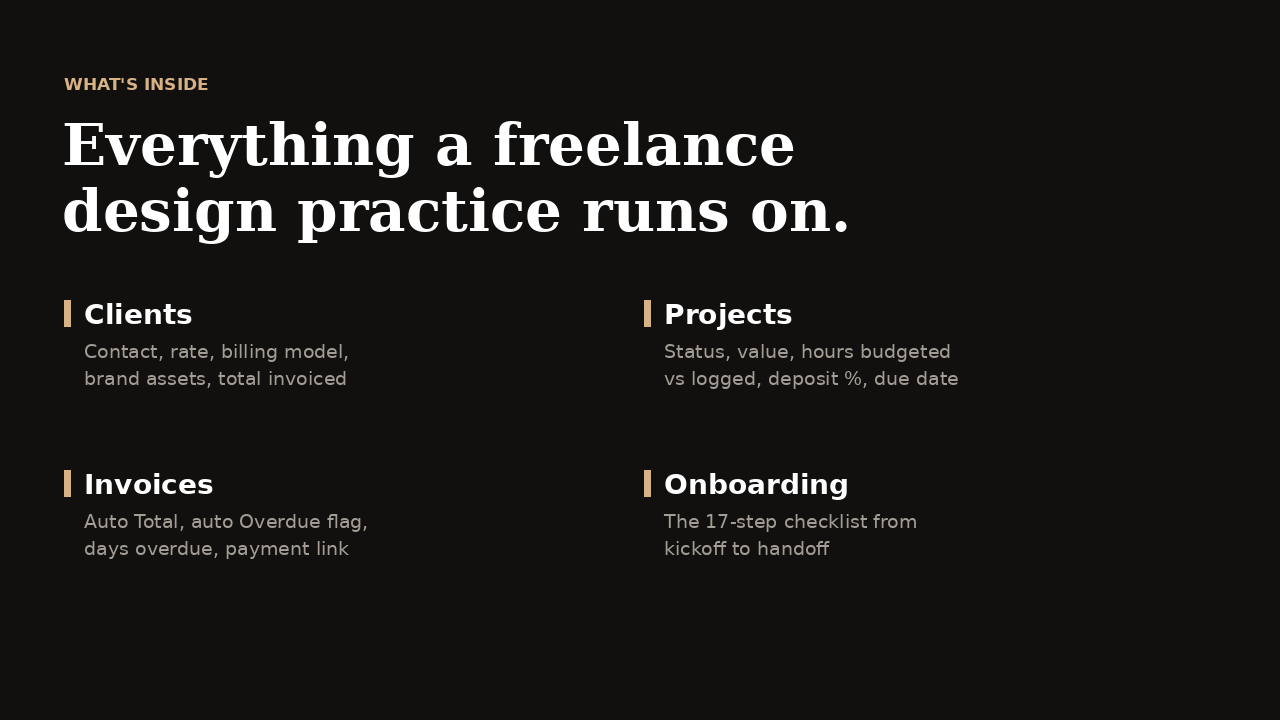
  • Clients — contact, rate, billing model, status, brand assets, and a rollup of total invoiced
  • Projects — status, priority, due date, project value, hours budgeted vs logged, deposit %, deliverables
  • Invoices — amount, tax, auto-computed total, payment link, paid date, automatic overdue flag and days overdue
  • Onboarding — the full 17-step client checklist from pre-kickoff to contract, deposit, discovery, assets, design and handoff
  • 17 pre-built views — Active Projects, kanban board, Overdue invoices, Unpaid, Drafts, Paid, Revenue by Client, Onboarding To Do and more
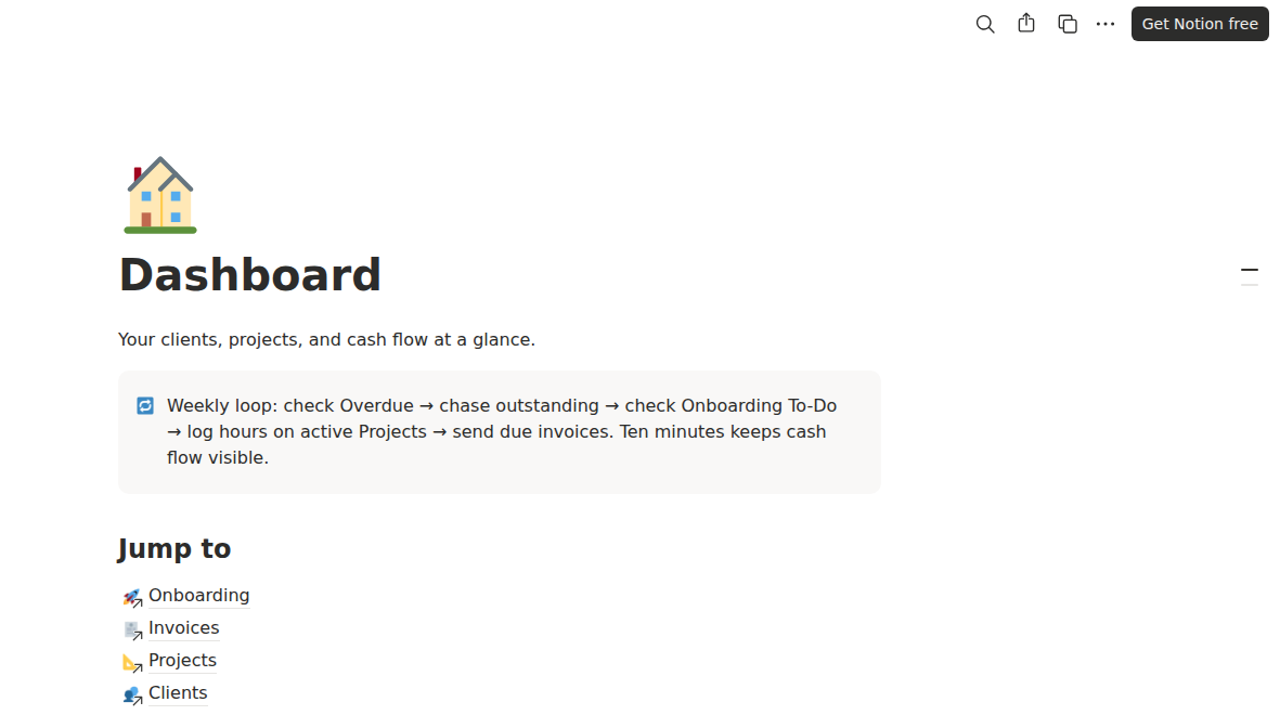
  • Dashboard — what is overdue and what is active, at a glance, plus the ten-minute weekly loop
  • Start Here & Setup — a nine-item first-run checklist that gets you live in 15 minutes
  • Sample data — three example clients, three projects and two invoices so it makes sense immediately (delete them when you're ready)
Inside Studio System: the Clients, Projects, Invoices and Onboarding databases with their fields

The weekly loop

Ten minutes on Monday is the whole discipline.

Check Overdue, chase what is outstanding, open the Onboarding To-Do, log hours on active projects, send anything due. That is the entire operating rhythm of the system — everything else is just the record it keeps for you.

Studio System dashboard showing clients, projects and cash flow at a glance with the weekly loop

How it works

Three steps, fifteen minutes.

STEP 1

Buy, then open the link

The template link is on your Gumroad receipt and on the product page. Open it with your (free) Notion account.

STEP 2

Click Duplicate

Top-right corner. The whole workspace — four databases, all views, the dashboard and the guide — copies into your own Notion in a few seconds.

STEP 3

Brand it, fill it, run it

Set your rate and payment terms, add your logo and colours, import your current clients. The samples show you how it fits together; delete them after.

Compare

What you get for $29.

 Your current setupGeneric Notion templateStudio System
Linked client ↔ project ↔ invoiceNoUsually notYes, rollups included
Invoice totals & overdue flagsRetyped by handRarelyAutomatic
Client onboarding checklistFrom memoryNo17 steps, pre-written
Views for design work—3–5 views17 views
Setup timeHours, every quarterAn afternoon15 minutes
CostYour time$15–$90$29 once

Questions

Straight answers.

Do I need a paid Notion plan?

No. A free Notion account is enough. The template duplicates into your own workspace and runs entirely on the free plan.

How do I get the template after paying?

The download link is on your Gumroad receipt and on the product page. It opens the published Notion page; click Duplicate in the top-right corner while signed in and the whole workspace copies into your account in a few seconds.

Can I change the fields, views and statuses?

Yes. What you duplicate is your own copy. Rename properties, add stages, delete the views you do not use, and add your own logo and brand colours. Nothing is locked and no subscription is required.

Is it built for agencies or for solo freelancers?

It is built for independent brand and graphic designers and very small studios of one to three people. The fields follow how design work actually moves: discovery, concepts, revisions, handoff, invoice. It is not a project-management suite for large teams.

What currency does invoicing use?

Whatever you type. Invoices store an amount, an optional tax rate and an auto-computed total, so you can invoice in any currency. There is no conversion and no payment processing inside Notion — a payment-link field carries your own Stripe, PayPal or bank link.

What is the difference between Studio System and the free Lite version?

Lite is two databases — clients and invoices with an overdue flag — and it is free. Studio System adds Projects with hours budgeted versus logged, the full 17-step onboarding checklist, the dashboard with revenue and unpaid rollups, and seventeen pre-built views instead of three.

What if it isn't right for me?

Email [email protected] within seven days of buying and we refund you. No form, no argument.
One payment

Stop running a design studio out of five files.

Duplicate it once, brand it, and the admin stops being a second job. $29, yours to keep.

Secure checkout on Gumroad · card, Apple Pay, PayPal · instant delivery